Layouts
The bar, the ticket and the account panel stay where they are; the desk between them is yours. Five named layouts ship, each built from the same catalog of panels, and each keeps the changes you make to it, with a way back to how it shipped. The layout key at the right of the market bar opens them.
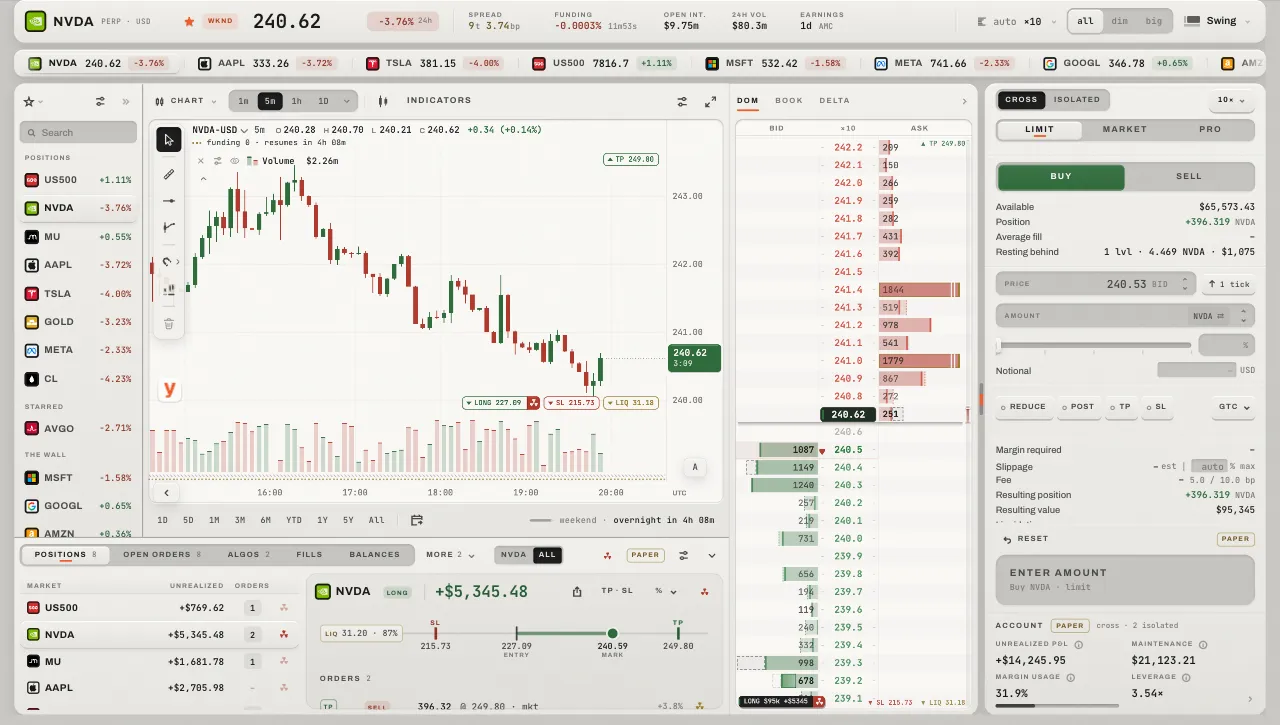
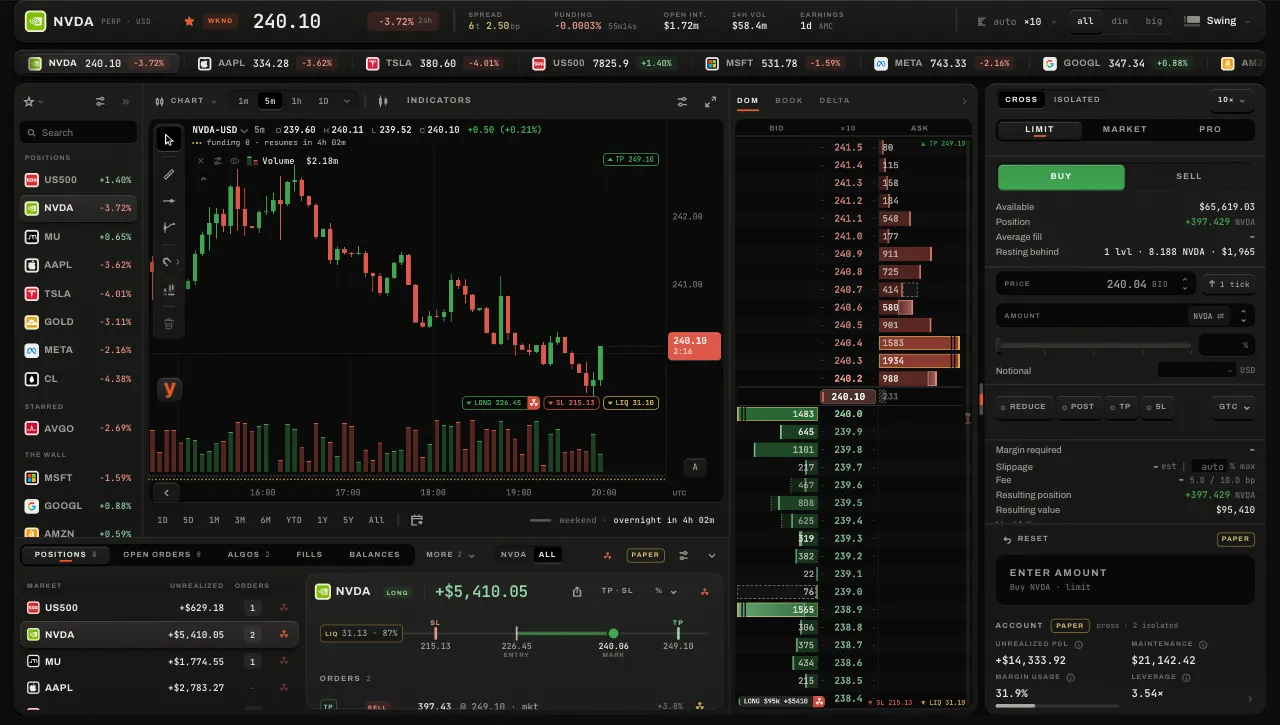
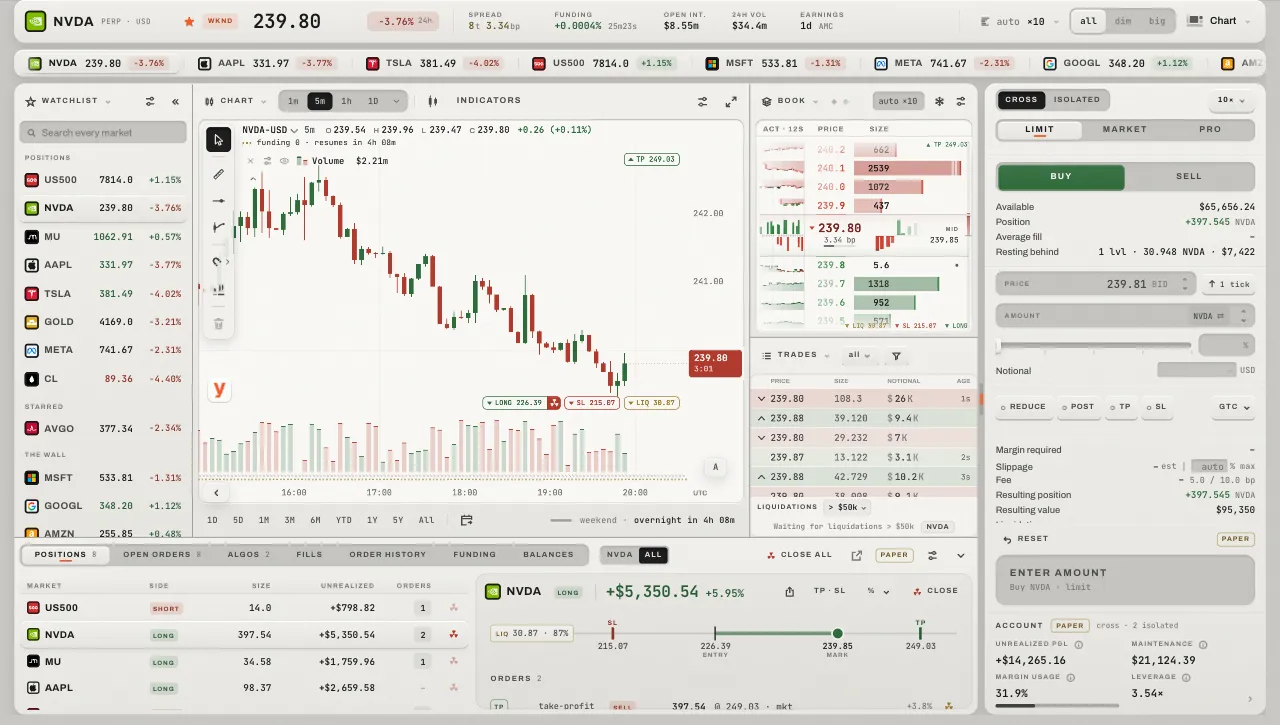
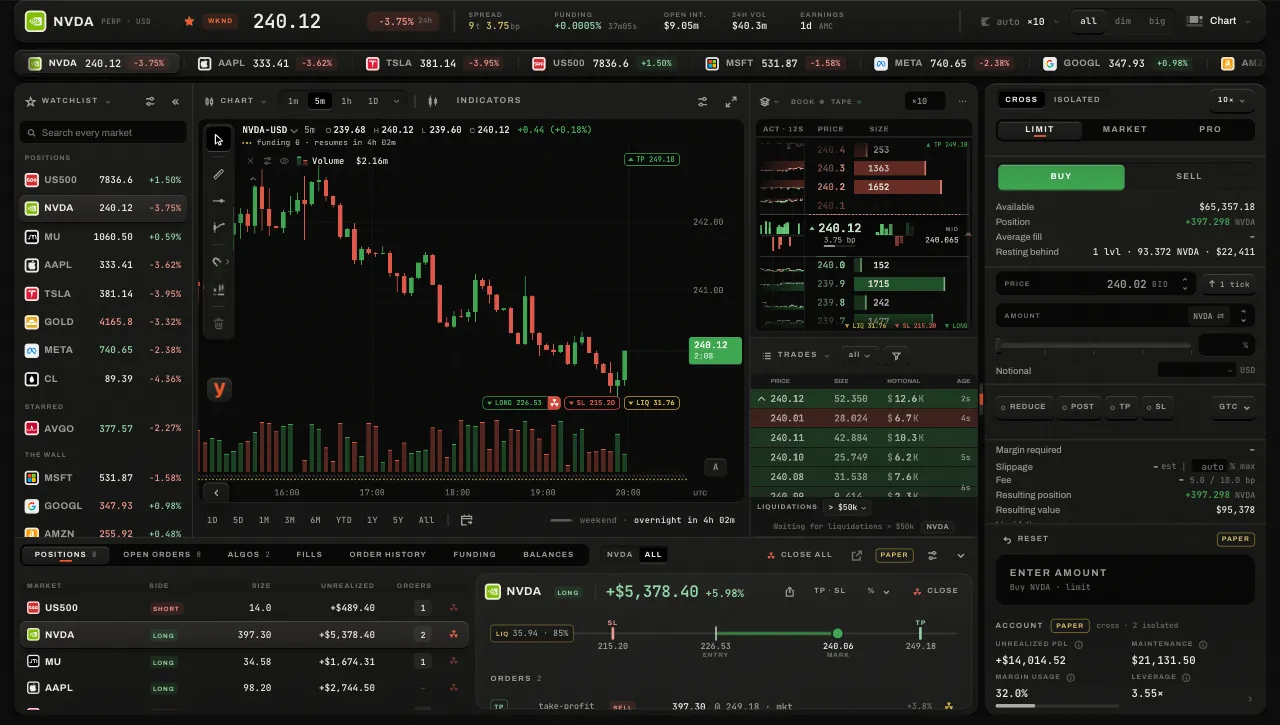
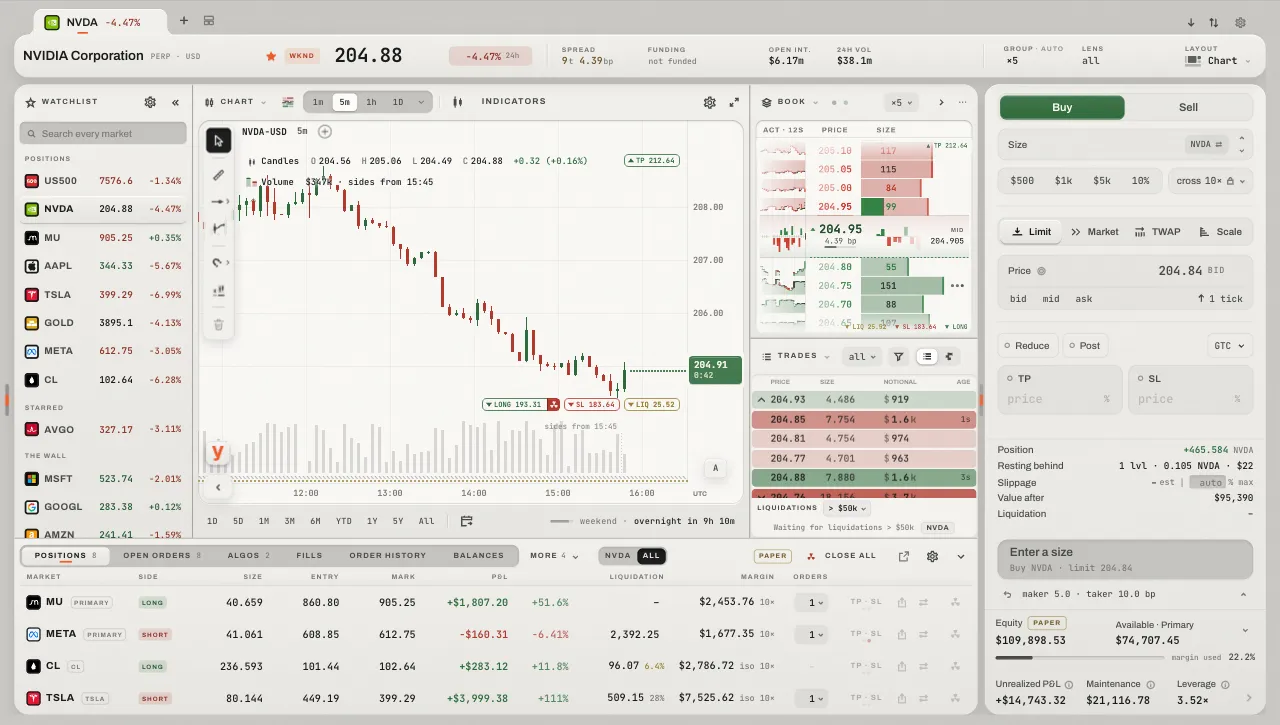
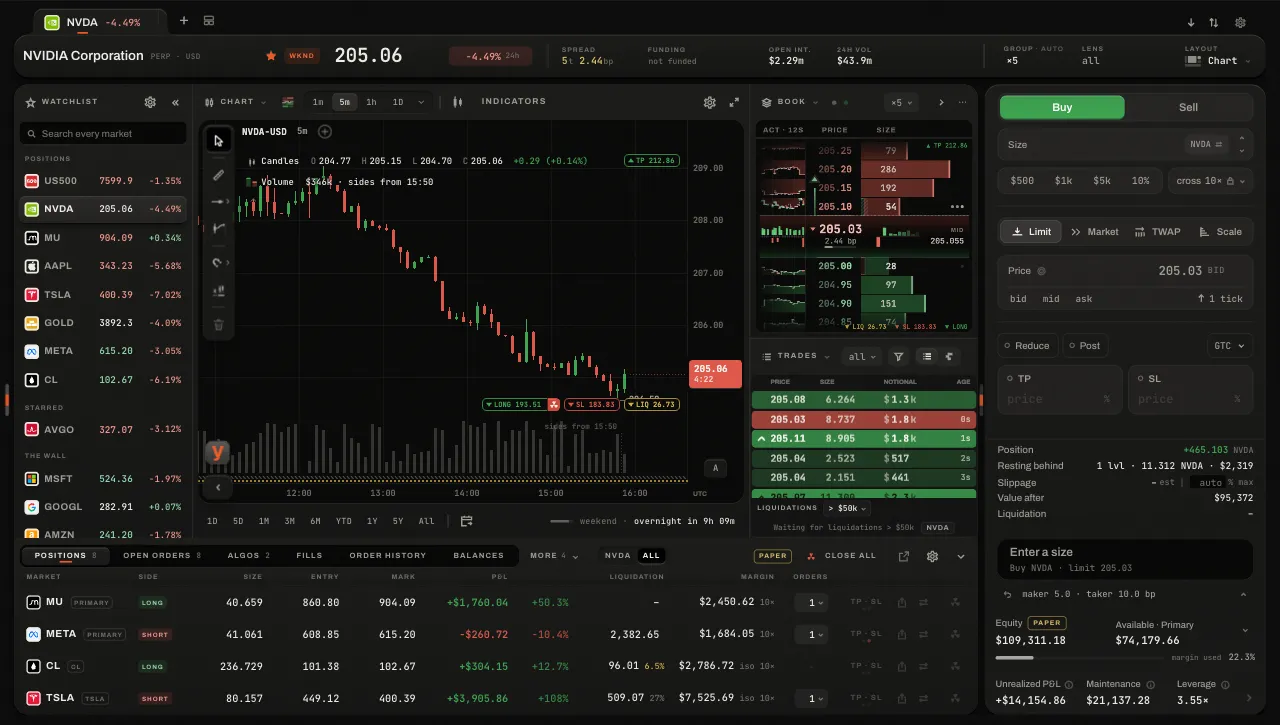
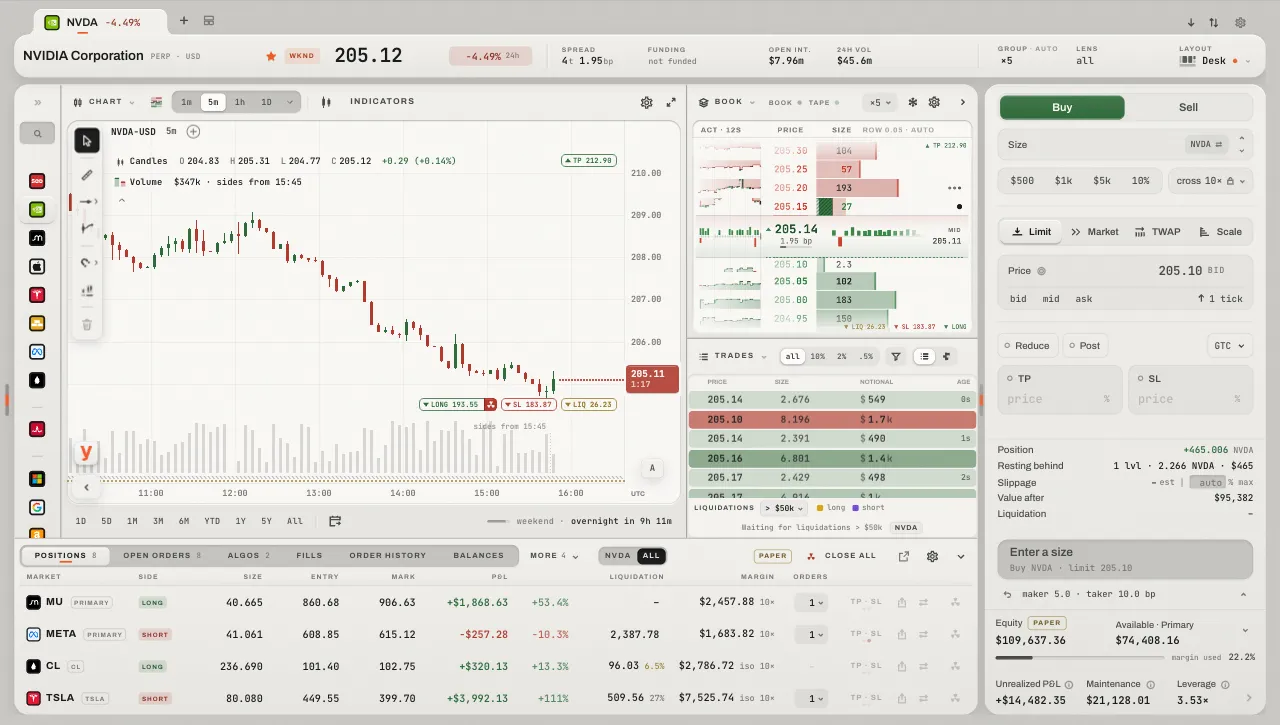
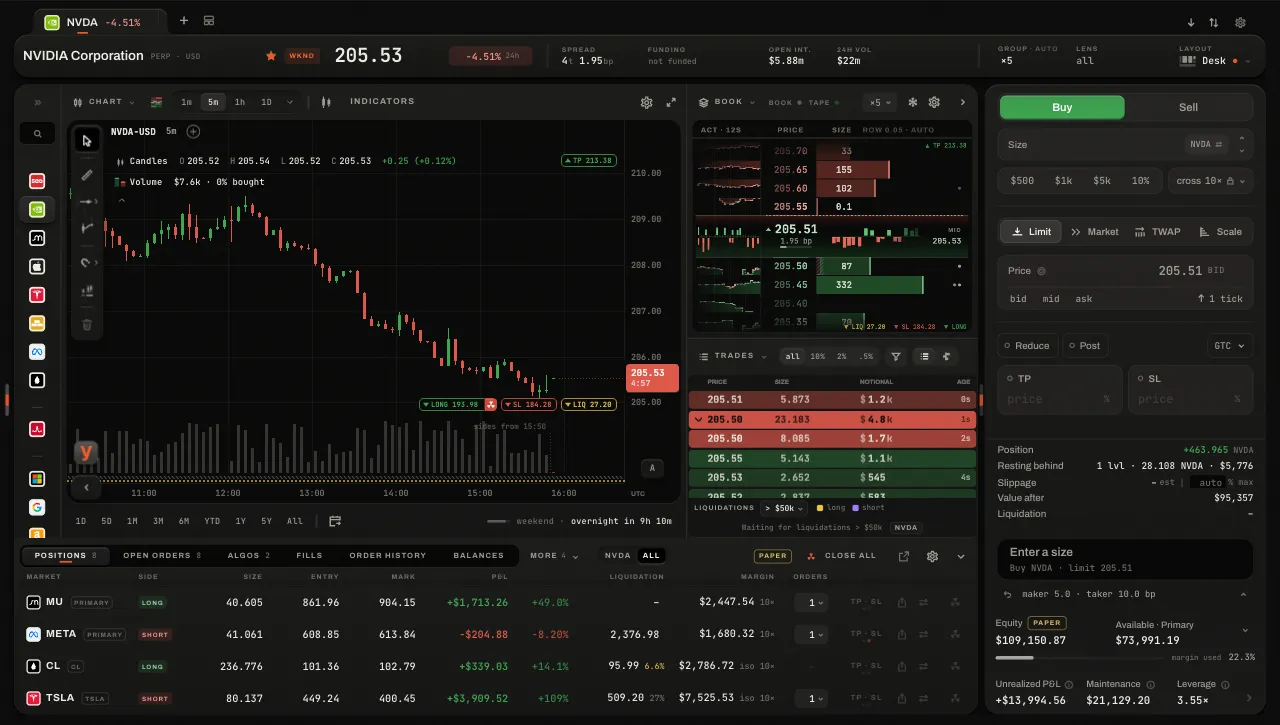
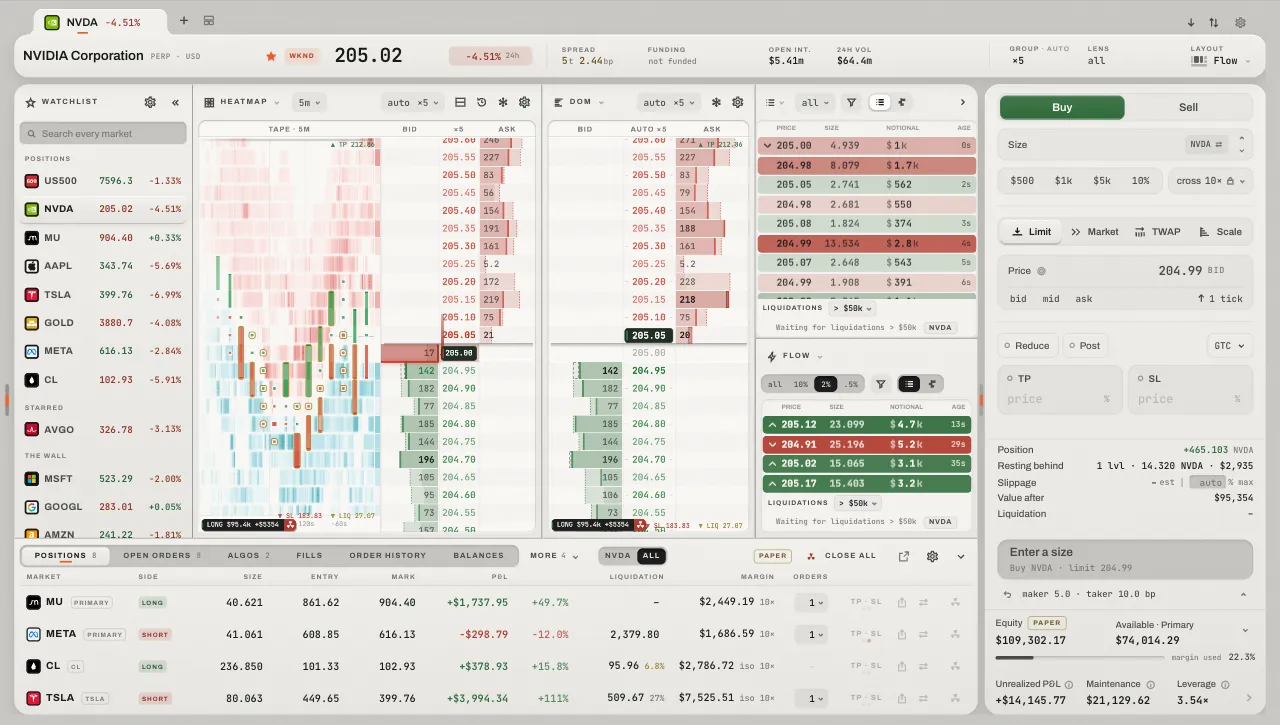
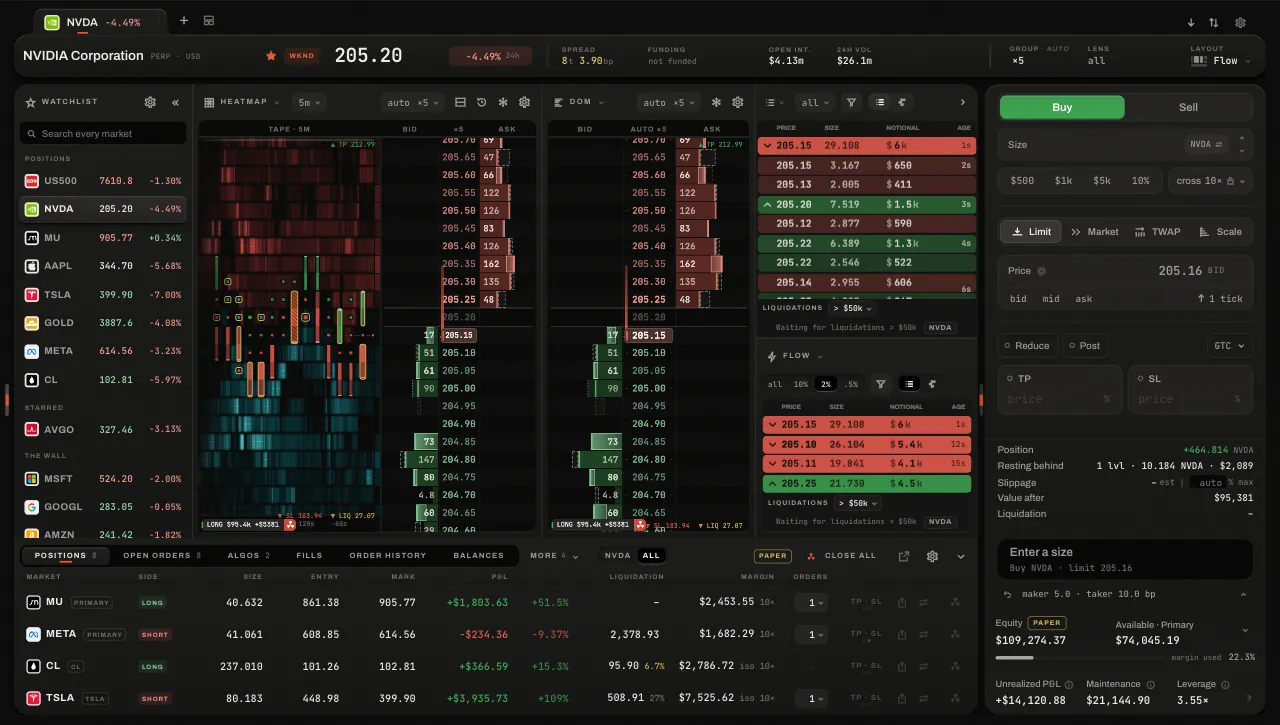
Each as the page lays it out at 1440 × 900 on the demo account, in the order they stand everywhere.
The layouts panel
The layout key slides a panel in over the ticket. Each row is the desk in miniature, with its name, what it is for, and what would stand down at this window's size. esc or a press outside shuts it.
- Point at one
- Point at a layout, or walk the list with the arrows, and the desk lays it out at its real size, with live numbers of the market in focus.
- Press it
- The real desk takes it; panels that stay are still the ones you were reading.
- yours · Reset
- A layout you have changed says yours, and only then is Reset there.
- Bottom row · Ticker bar · Edit
- The account panel's settings (Its settings), your markets in a line across the page, and the editor (below).
Editing a layout
- 1Edit this layout
Every panel's head shows its keys: split it across, split it down, or remove it. The layout key says Done.
- 2Split
A split opens what can stand there at this window's size; one with nothing that would fit is withdrawn and says why.
- 3Choose what a panel shows
Its name in its head is a switcher over what that part of the desk may hold; anything that would not fit is withdrawn, saying so.
- 4Drag a head onto another
The two panels swap places, where both would still be seen.
- 5Pull a seam
A chip reads the two shares as it moves (
67% · 33%); it catches at simple fractions, ⌥ moves it freely, double-click puts it back. - 6Done
Or esc. The layout keeps what you made of it, in this browser.
How the desk behaves
- Each thing once
- Choosing something another panel shows swaps the two: the desk never shows the same thing twice. The DOM with its heat takes the place of a DOM or a heatmap shown apart; an Orders or Fills panel takes its tabs out of the account panel.
- Nothing is squeezed
- When the window cannot hold every panel, the ones that matter least stand down whole, and the layout key says how many with a dot; they return when there is room.
The panels
The watchlist folds, and goes away
Where the watchlist stands at the desk's left edge (Chart and Swing) it folds, to give the candles the room: the fold key («) folds it to its marks and tickers, or to its marks alone, a narrow rail; a pull on its edge opens it. Alone in its column it has three stops — away, folded, open — that a two-finger swipe moves it through; { takes it away and brings it back as it was.
- Its own layout's
- Each layout keeps whether its list is away, across a reload.
- The tune key
- Opens a panel beside the list: the three folds as live miniatures of your own list, and what stands beside a ticker (its change, its price, nothing). A choice is made at once.
- On the rail
- Rest the pointer on a mark to read its market: its ticker, last price and day's change, and why it is listed. The search field is a key there: the list opens whole while you search.
- A star, anywhere
- A star pressed anywhere moves the market into Starred at once; unstarred, it goes back among the rest.